skip to content

[TOOLS] /tools

What to use for what

Pick the job. Use the default. Reach for an alternative only when its reason applies.

I sorted my kit by the job it does. Every tool name jumps to its entry in the full catalogue of 51 further down, with the install line and what it costs. Where I built something with it, you can open it and play.

What for what

  1. [01]

    I want a scroll story

    use this

    GSAP ScrollTrigger pins and scrubs each chapter. Lenis smooths the scroll so it feels slow and heavy.

    or, when

    • ScrollCraftthe story is a video that plays as you scroll.
    • Scroll Worldthe page is a 3D world you move through.
    • MotionI'm already in React and only need a scroll progress value.
  2. [02]

    I want a 3D hero

    use this

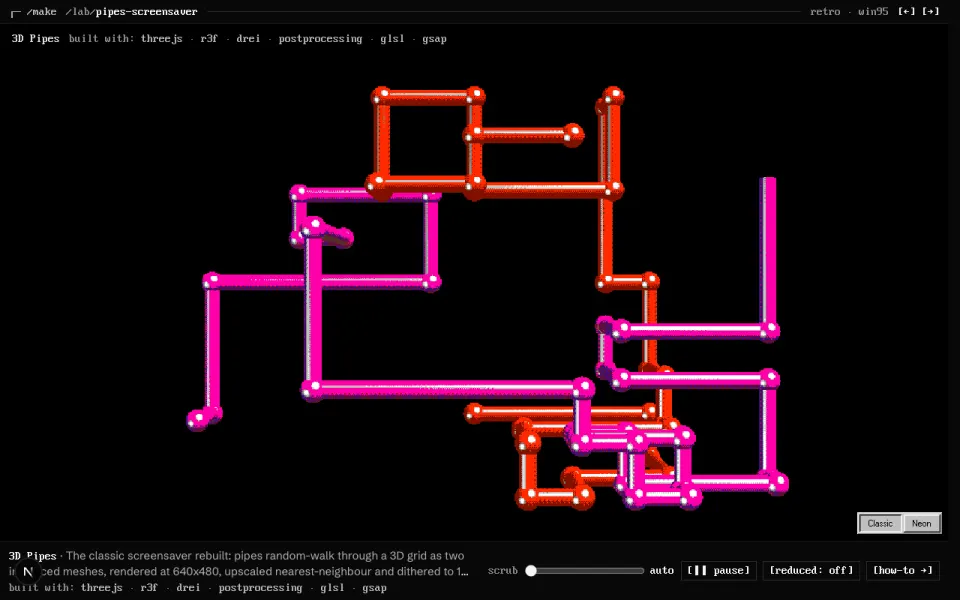
    three.js written with React Three Fiber and drei. I own the scene, so it can react to scroll and the cursor.

    or, when

    • Splinea designer builds the scene by hand and it rarely changes.
    • ThreeUII need a ready piece, like an orb or a globe, not a whole scene.
    • postprocessingthe scene needs bloom, grain or a pixel pass on top.
    • PlayCanvasit behaves like a small game and wants a visual editor.
    • Threltethe project is Svelte, not React.
  3. [03]

    I want a shader background

    use this

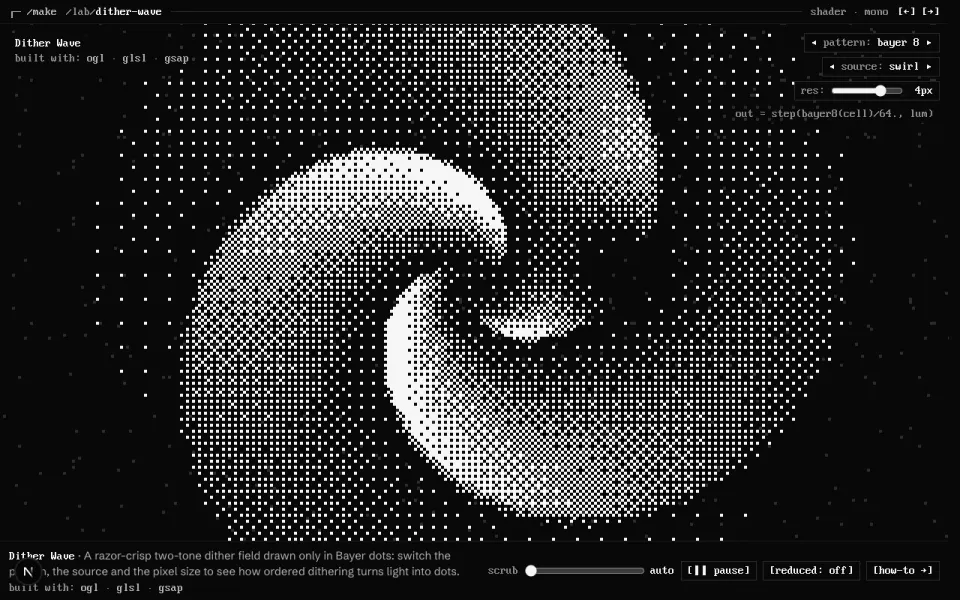
    OGL when I write the shader in code. Unicorn Studio when I want to tune it by eye in an editor and embed it. A shader is a small program the graphics card runs for every pixel.

    or, when

    • ShaderGradientall I need is a soft moving gradient.
    • Paper ShadersI want a ready React component with props, like grain or dither.
    • TweakpaneI want sliders to tune a shader live while I build it.
    • GetLayersI've paid for it and need a premium background fast.
  4. [04]

    I want page transitions

    use this

    The browser's own View Transition API. It animates from the old page to the new one with a few lines of CSS.

    or, when

    • GSAPone element should morph into its place on the next page (GSAP Flip).
    • Taxi.jsthe site is plain HTML pages, not a single-page app.
    • MotionI'm animating layout changes inside a React page.
  5. [05]

    I want text that moves

    use this

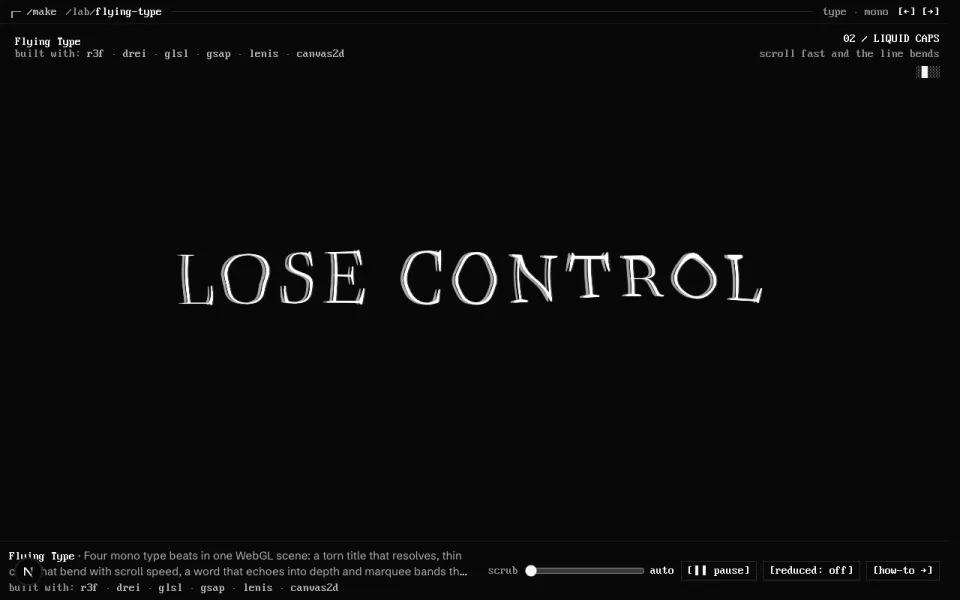
    GSAP SplitText cuts a line into words or letters, then a timeline moves them in order.

    or, when

    • React BitsI want a ready text effect to paste in and restyle.
    • Anime.js v4the page has no React and I want something small.
    • Motionthe text is part of a React component's state.
  6. [06]

    I want buttons and small things to feel alive

    use this

    Motion gives springs, hover and press states to React components. Micro-interactions are the small responses to a tap or a hover.

    or, when

  7. [07]

    I want icons

    use this

    One consistent line set, tree-shaken so only the icons I use ship.

    I don't have a live piece for icons yet.

    or, when

    • dotLottiethe icon has to animate, like a loader or a success tick.

    see it

    no live piece yet

  8. [08]

    I want a 3D model or a hero image

    use this

    Higgsfield makes the still first. I approve it, then turn it into a 3D model (a GLB file) or a short loop.

    or, when

    • img2threejsI want the object rebuilt in code, so every part can animate.
    • Poly Havena free real model, texture or lighting file already exists.

    see it

    no live piece yet

  9. [09]

    I want UI components

    use this

    shadcn for the base parts: buttons, dialogs, forms. The code is copied into my repo, so I own it.

    or, when

    • Motion PrimitivesI want quiet motion built into the parts.
    • Magic UIit is a landing page and wants effects, like marquees and shiny borders.
    • React BitsI want loud text and background effects.
    • Cult UII want pieces with character, like a dynamic island.
    • Bklit UIit is a dashboard and needs charts.
    The 21st.dev website

    [WHERE I LOOK FIRST] 21st.dev

    21st.dev is where I look first for anything beyond the basics. It is a big community catalogue of React components. I search it like a shop, then install the one I pick with the shadcn command, so it lands in my repo like everything else. Search is free. Its AI generator needs a key and a paid plan.

    [install and cost ↓][21st.dev ↗]

  10. [10]

    I want a colour palette

    use this

    Two agent skills with colour rules built in. They stop the agent picking the usual purple gradient.

    or, when

    • OKLCH Color Pickercolours must look equally bright. OKLCH is a colour format that matches how eyes see lightness.
    • ReferoI want to see how real products use colour first.
  11. [11]

    I want better type

    use this

    Free fonts with real character, fine for commercial work.

    No AI-default fonts: the few faces every AI tool reaches for. I pick one display face with character and one quiet text face.

    or, when

    Nothing else. The default is enough.

    see it

    no live piece yet

  12. [12]

    I want references before I design

    use this

    Real screens from real products, searchable by pattern.

    or, when

    • PaperI want to sketch the layout on a canvas my agent can read.
  13. [13]

    I want an agent to design with me

    use this

    My own skill reads this toolkit and asks which tools fit. Context7 hands the agent current docs, so it doesn't guess old APIs.

    or, when

    see it

    no live piece yet

  14. [14]

    I want to prove it works

    use this

    I capture frames about 1.5 seconds apart and compare them. A still screenshot never proves that something moves.

    or, when

    see it

    no live piece yet

Not on this map: the voice and messaging tools. They are for setting up an agent, not for building a page. They are in the catalogue.

[DECIDE]

Three questions I ask a lot

Read from the top. Take the first yes and stop there.

Do I need 3D?

Most of the time I don’t. 3D costs load time and battery, so it has to earn its place.

  1. Q1

    Does the idea still work flat, with shadows, layers and parallax?

    If yes:

    then use

    Stay 2D. CSS, SVG and GSAP fake depth for almost nothing.

    If not,
  2. Q2

    Is it one flat surface with an effect on it, like a moving background?

    If yes:

    then use

    That’s a shader, not a scene. OGL draws it on one plane.

    If not,
  3. Q3

    Will a designer build it by hand, and will it rarely change?

    If yes:

    then use

    Build it in a no-code editor and embed it. Vectary if it’s a product mockup.

    If not,
  4. Q4

    Do I only need a ready piece, like an orb, a globe or a card?

    If yes:

    then use

    Take the piece and restyle it.

    If not,
  5. otherwise

    Write the scene in three.js with React Three Fiber. Add postprocessing for bloom or grain.

how-to: Pick a 3D tool →

Code the shader or design it?

A shader is a small program the graphics card runs for every pixel. I can write one, or tune one in an editor.

  1. Q1

    Must it react to my own data, scroll or state, and live in my repo?

    If yes:

    then use

    Code it. OGL is tiny and I write the GLSL myself.

    If not,
  2. Q2

    Is it only a soft gradient that moves?

    If yes:

    then use

    Tune it in their editor and paste the settings in.

    If not,
  3. Q3

    Do I want it as a React component with props, like grain, dither or liquid metal?

    If yes:

    then use

    Drop the component in and set its props.

    If not,
  4. otherwise

    Design it. Layer shaders, images and mouse effects by eye, then embed it. The free plan shows their logo and is not for commercial work. Nothing on this site runs a Unicorn Studio scene yet.

how-to: Shader background →

Which component library?

All of these copy the code into my project, so I can change anything later.

  1. Q1

    Do I need the plain parts, like buttons, dialogs and forms, to restyle?

    If yes:

    then use

    Start here on every project.

    If not,
  2. Q2

    Has someone probably built this pattern already, like a pricing table or a command menu?

    If yes:

    then use

    Search the community catalogue, then install it with the shadcn command.

    If not,
  3. Q3

    Should the motion come built in?

    If yes:

    then use

    Quiet motion: Motion Primitives. Landing page effects: Magic UI. Loud text and backgrounds: React Bits.

    If not,
  4. Q4

    Is it a dashboard with charts?

    If yes:

    then use

    Charts that match shadcn.

    If not,
  5. otherwise

    Something with character, like a dynamic island or a textured button.

how-to: Own your components →

[CATALOGUE]

All 51 tools

[3D] 3D & WebGL (9)

[SKILLS] Claude skills (taste & rules) (7)

  • ┌─ frontend-design ── live ─┐
    frontend-design (official) websitechapter art

    frontend-design (official)

    [live] · free
    what
    Anthropic's skill for distinctive, non-templated visual direction.
    when I reach for it
    The first pass on any new UI.
    $ /plugin install frontend-design@claude-plugins-official

    [github.com/anthropics/skills ↗]

    ┄ no experience yet ┄

    read the how-to →
  • ┌─ impeccable ── live ─┐
    impeccable websitechapter art

    impeccable

    [live] · free
    what
    Design language and audit skill: critique, polish, harden, animate, colourise.
    when I reach for it
    Auditing and polishing a UI that already exists.
    $ npx skills add pbakaus/impeccable -g

    [github.com/pbakaus/impeccable ↗][repo ↗]

    ┄ no experience yet ┄

    read the how-to →
  • ┌─ taste-skill ── live ─┐
    taste-skill websitechapter art

    taste-skill

    [live] · free
    what
    design-taste-frontend, high-end-visual-design and redesign-existing-projects: anti-generic rules.
    when I reach for it
    Landing pages and portfolios that must not look AI-made.
    $ npx skills add Leonxlnx/taste-skill -g

    [github.com/Leonxlnx/taste-skill ↗][repo ↗]

    ┄ no experience yet ┄

    read the how-to →
  • ┌─ ui-ux-pro-max ── live ─┐
    UI/UX Pro Max websitechapter art

    UI/UX Pro Max

    [live] · free
    what
    Searchable database of 79 styles, 192 palettes and 74 font pairings.
    when I reach for it
    Exploring directions early. Treat its output as a starting point, not a finish.
    $ /plugin install ui-ux-pro-max@ui-ux-pro-max-skill

    [github.com/nextlevelbuilder/ui-ux-pro-max-skill ↗][repo ↗]

    ┄ no experience yet ┄

    read the how-to →
  • ┌─ web-design-guidelines ── live ─┐
    Web Interface Guidelines website

    Web Interface Guidelines

    [live] · free
    what
    Rauno/Vercel's MUST/SHOULD interface rules as a review skill, plus React best practices, composition patterns and view transitions.
    when I reach for it
    Reviewing any UI before it ships.
    $ npx skills add vercel-labs/agent-skills -g

    [vercel.com/design/guidelines ↗][repo ↗]

    ┄ no experience yet ┄

    read the how-to →
  • ┌─ anthropic-example-skills ── live ─┐
    Anthropic example skills websitechapter art

    Anthropic example skills

    [live] · free
    what
    canvas-design, theme-factory, algorithmic-art, web-artifacts-builder, brand-guidelines, webapp-testing.
    when I reach for it
    Posters and static visuals, themes, generative art, quick artifacts.
    $ /plugin install example-skills@anthropic-agent-skills

    [github.com/anthropics/skills ↗][repo ↗]

    ┄ no experience yet ┄

    read the how-to →
  • ┌─ frontend-design-basics ── live ─┐
    frontend-design-basics (Bruno's) websitechapter art

    frontend-design-basics (Bruno's)

    [live] · free
    what
    Reads this toolkit and the Principles chapter, then asks which tools and principles fit the brief.
    when I reach for it
    Automatically, at the start of every new project or design task.
    $ ~/.claude/skills/frontend-design-basics

    [github.com/br9704/frontenddesignbasics ↗]

    ┄ no experience yet ┄

    read the how-to →

[COMPONENTS] Component libraries (8)

  • ┌─ react-bits ── live ─┐
    React Bits website

    React Bits

    [live] · free (Pro paid)
    what
    Animated React components with live prop controls, in JS/TS × CSS/Tailwind variants.
    when I reach for it
    Text effects, backgrounds and animated UI pieces you want to own the code of.
    $ npx shadcn@latest add @react-bits/<name>

    [reactbits.dev ↗][repo ↗]

    ┄ no experience yet ┄

    read the how-to →
  • ┌─ magic-ui ── live ─┐
    Magic UI website

    Magic UI

    [live] · free
    what
    Motion-first shadcn-style components for landing pages.
    when I reach for it
    Marketing sections: marquees, bento grids, animated beams, number tickers.
    $ npx shadcn@latest add @magicui/<name>

    [magicui.design ↗][repo ↗]

    ┄ no experience yet ┄

    read the how-to →
  • ┌─ cult-ui ── live ─┐
    Cult UI website

    Cult UI

    [live] · free
    what
    shadcn-compatible animated components with character.
    when I reach for it
    Distinctive interactive pieces (dynamic island, texture buttons, shift cards).
    $ npx shadcn@latest add @cult-ui/<name>

    [cult-ui.com ↗][repo ↗]

    ┄ no experience yet ┄

    read the how-to →
  • ┌─ 21st ── needs-key ─┐
    21st.dev website

    21st.dev

    [needs-key] · free search, paid generate
    what
    Community component catalogue plus AI UI generation.
    when I reach for it
    Searching for a component pattern across many authors, or generating a first draft of one.
    $ npx @21st-dev/cli@latest init --client claude

    [21st.dev ↗][repo ↗]

    ┄ no experience yet ┄

    read the how-to →
  • ┌─ bklit ── live ─┐
    Bklit UI website

    Bklit UI

    [live] · free
    what
    UI and chart components shipped as a shadcn registry.
    when I reach for it
    Dashboards and analytics views that need good-looking charts fast.
    $ npx shadcn@latest add @bklit/<name>

    [ui.bklit.com ↗][repo ↗]

    ┄ no experience yet ┄

    read the how-to →
  • ┌─ shadcn ── live ─┐
    shadcn/ui website

    shadcn/ui

    [live] · free
    what
    Copy-in component system and the registry protocol most libraries above ship through.
    when I reach for it
    The base layer of any React app. Also the way to install from every @registry.
    $ npx shadcn@latest init && npx shadcn@latest mcp init --client claude

    [ui.shadcn.com ↗][repo ↗]

    ┄ no experience yet ┄

    read the how-to →
  • ┌─ motion-primitives ── library ─┐
    Motion Primitives websitechapter art

    Motion Primitives

    [library] · free (MIT)
    what
    Copy-paste animated React components built on Motion: text effects, morphing dialogs, carousels.
    when I reach for it
    You want polished micro-interactions that drop into a shadcn project.
    $ npx shadcn add from motion-primitives.com

    [motion-primitives.com ↗][repo ↗]

    ┄ no experience yet ┄

    read the how-to →
  • ┌─ lucide ── library ─┐
    Lucide websitechapter art

    Lucide

    [library] · free (ISC)
    what
    A clean, consistent open icon set with a React package; the shadcn default.
    when I reach for it
    Interface icons. One set per project.
    $ pnpm add lucide-react

    [lucide.dev ↗][repo ↗]

    ┄ no experience yet ┄

    read the how-to →

[MOTION] Motion & scroll (9)

[SHADERS] Shaders & gradients (5)

  • ┌─ shadergradient ── library ─┐
    ShaderGradient website

    ShaderGradient

    [library] · free
    what
    Moving 3D gradients for React, Framer and Figma, tuned in a visual editor.
    when I reach for it
    A living gradient background without writing GLSL.
    $ pnpm add @shadergradient/react @react-three/fiber three three-stdlib camera-controls

    [shadergradient.co ↗][repo ↗]

    ┄ no experience yet ┄

    read the how-to →
  • ┌─ getlayers ── dormant ─┐
    GetLayers website

    GetLayers

    [dormant] · $199 lifetime (Full Stack)
    what
    Library of prompts plus source for templates, 3D/WebGL scenes, motion sections and animated backgrounds.
    when I reach for it
    Design-led landing pages that need a premium background, scene or motion section fast.
    $ /plugin install getlayers@getlayers (installed)

    [getlayers.ai ↗]

    ┄ no experience yet ┄

    read the how-to →
  • ┌─ unicorn-studio ── tool ─┐
    Unicorn Studio website

    Unicorn Studio

    [tool] · free plan (logo, non-commercial); Legend $20/mo for commercial + self-hosting
    what
    A visual editor for WebGL scenes: layered shaders, media, 3D and mouse or scroll interaction, published as an embed.
    when I reach for it
    A showpiece shader hero or background you want to tune by eye, not in GLSL.
    $ <script src="https://cdn.jsdelivr.net/gh/hiunicornstudio/unicornstudio.js/dist/unicornStudio.umd.js"> then UnicornStudio.init() on a data-us-project div

    [unicorn.studio ↗][repo ↗]

    ┄ no experience yet ┄

    read the how-to →
  • ┌─ paper-shaders ── library ─┐
    Paper Shaders websitechapter art

    Paper Shaders

    [library] · free (Apache-2.0)
    what
    Ready-made, tunable shader components for React: mesh gradients, grain, dithering, liquid metal.
    when I reach for it
    A good-looking shader background in minutes, with props instead of GLSL.
    $ pnpm add @paper-design/shaders-react

    [shaders.paper.design ↗][repo ↗]

    ┄ no experience yet ┄

    read the how-to →

[RESEARCH] Reference & research (7)

  • ┌─ refero ── needs-key ─┐
    Refero website

    Refero

    [needs-key] · paid
    what
    Searchable library of real app and web screens, flows and styles.
    when I reach for it
    Before designing a flow: see how the best products solved the same screen.
    $ /plugin install refero@refero (installed)

    [refero.design ↗][repo ↗]

    ┄ no experience yet ┄

    read the how-to →
  • ┌─ jitter ── tool ─┐
    Jitter website

    Jitter

    [tool] · free tier
    what
    Web motion-design tool for animating UI and exporting video/Lottie.
    when I reach for it
    Prototyping a motion idea before coding it, or making a launch video of the UI.
    $ Web app

    [jitter.video ↗]

    ┄ no experience yet ┄

    read the how-to →
  • ┌─ paper ── on-demand ─┐
    Paper website

    Paper

    [on-demand] · free tier
    what
    Design canvas with a local MCP. Bruno uses it to scope ideas.
    when I reach for it
    Scoping a layout visually before building.
    $ Paper app (installed); MCP at http://127.0.0.1:29979/mcp when the app is open

    [paper.design ↗]

    ┄ no experience yet ┄

    read the how-to →
  • ┌─ tweakpane ── library ─┐
    Tweakpane websitechapter art

    Tweakpane

    [library] · free
    what
    A small panel of sliders and pickers for tuning values live while you build.
    when I reach for it
    Dialling in eases, colours and shader uniforms by eye.
    $ pnpm add tweakpane

    [tweakpane.github.io/docs ↗][repo ↗]

    ┄ no experience yet ┄

    read the how-to →
  • ┌─ oklch ── tool ─┐
    OKLCH Color Picker websitechapter art

    OKLCH Color Picker

    [tool] · free
    what
    A colour picker in OKLCH, the colour space where equal steps look equal.
    when I reach for it
    Building a palette or ramp that stays even in lightness.
    $ web tool

    [oklch.com ↗]

    ┄ no experience yet ┄

    read the how-to →
  • ┌─ fontshare ── tool ─┐
    Fontshare websitechapter art

    Fontshare

    [tool] · free for personal and commercial use (check each licence)
    what
    Free, quality typefaces from Indian Type Foundry, with web embeds.
    when I reach for it
    Picking a typeface that is not an AI default.
    $ web tool (link or self-host)

    [fontshare.com ↗]

    ┄ no experience yet ┄

    read the how-to →
  • ┌─ easings ── tool ─┐
    easings.net + cubic-bezier.com websitechapter art

    easings.net + cubic-bezier.com

    [tool] · free
    what
    Reference charts of every standard ease, and an editor for your own cubic-bezier curves.
    when I reach for it
    Choosing or designing an ease.
    $ web tool

    [easings.net ↗]

    ┄ no experience yet ┄

    read the how-to →

[INFRA] Agent infrastructure (3)

  • ┌─ context7 ── live ─┐
    Context7 website

    Context7

    [live] · free
    what
    Current, versioned library docs on demand (GSAP, three.js, Lenis, Next.js…).
    when I reach for it
    Any time an API might have changed since the model's training.
    $ claude mcp add -s user --transport http context7 https://mcp.context7.com/mcp

    [context7.com ↗][repo ↗]

    ┄ no experience yet ┄

    read the how-to →
  • ┌─ playwright ── live ─┐
    Playwright MCP websitechapter art

    Playwright MCP

    [live] · free
    what
    Drive a real browser: screenshots, frames, interaction.
    when I reach for it
    Proving motion with frames ~1.5 s apart, checking mobile widths, capturing showcase shots.
    $ claude mcp add -s user playwright -- npx -y @playwright/mcp@latest

    [github.com/microsoft/playwright-mcp ↗][repo ↗]

    ┄ no experience yet ┄

    read the how-to →

[MEDIA] Voice & messaging (2)

  • ┌─ voicestudio ── on-demand ─┐
    VoiceStudio websitechapter art

    VoiceStudio

    [on-demand] · free (AGPL-3.0)
    what
    Local, open-source voice cloning, TTS, dubbing and transcription.
    when I reach for it
    Narration for a launch film or an interactive voice on a site. Runs locally, no key.
    $ ~/Tools/VoiceStudio (cloned); skill installed

    [github.com/debpalash/VoiceStudio ↗][repo ↗]

    ┄ no experience yet ┄

    read the how-to →
  • ┌─ openwa ── on-demand ─┐
    OpenWA websitechapter art

    OpenWA

    [on-demand] · free
    what
    Self-hosted WhatsApp API gateway with a built-in MCP.
    when I reach for it
    Reading WhatsApp data into a tool. Kept read-only: nothing is ever sent from it.
    $ ~/Tools/OpenWA (cloned); MCP_ENABLED=true MCP_READONLY=true

    [github.com/rmyndharis/OpenWA ↗][repo ↗]

    ┄ no experience yet ┄

    read the how-to →

[AI] AI image & video (1)

  • ┌─ higgsfield ── needs-key ─┐
    Higgsfield website

    Higgsfield

    [needs-key] · credits
    what
    One MCP for many image, video, audio and 3D models: stills, image-to-video, motion transfer, upscaling, background removal, image-to-GLB.
    when I reach for it
    Hero stills, ambient background loops, product shots, turning an object into a 3D model. Approve a still before animating it.
    $ Connected as a claude.ai connector (Higgsfield MCP)

    [higgsfield.ai ↗]

    ┄ no experience yet ┄

    read the how-to →

[TECHNIQUES] No install, just the platform (and the three.js layer)

[BUILDING BLOCKS] the parts inside the tools

The “built with” tags on the live pieces also name these. They aren’t tools you install on their own; they come with one above, or with the browser.

  • React Three Fiber ↗

    three.js as React components. Every 3D piece on this site is written with it.

    comes with threejs

  • drei ↗

    Ready-made helpers for R3F: cameras, text, environment, instancing, views.

    comes with threejs

  • GLSL ↗

    The shader language itself. Every custom look here (dither, fluid, glass) is a small GLSL program.

    comes with ogl

  • Canvas 2D ↗

    The browser’s 2D drawing API. Used for ASCII, pixel blasts and textures fed to 3D.

  • SVG ↗

    Vector drawing in the page. Curves, paths and diagrams that animate with GSAP.

  • CSS ↗

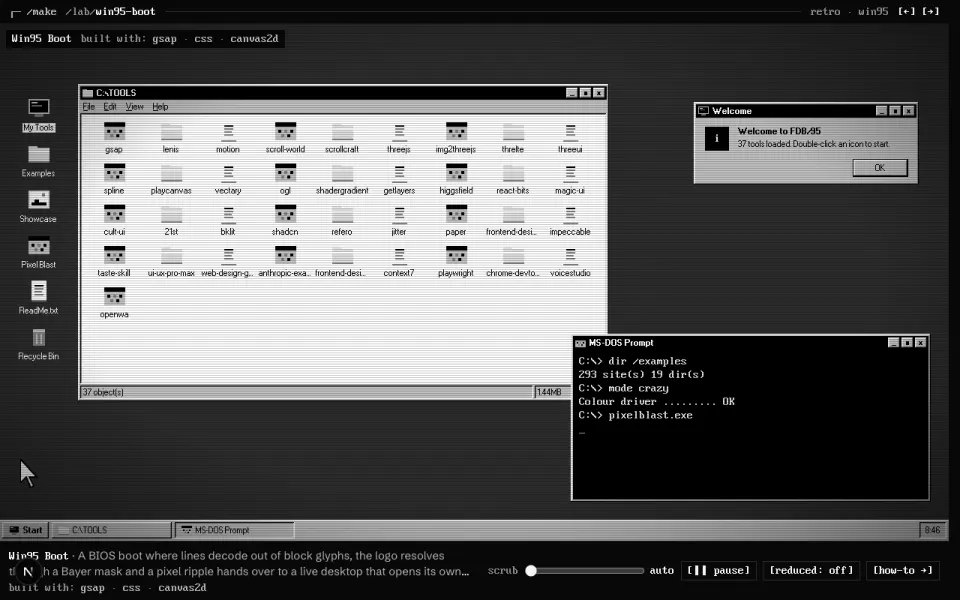
    Layout, transitions and the Win95 bevels. The cheapest motion there is.

  • next/image ↗

    Next.js image resizing and lazy loading. Every screenshot on the site goes through it.